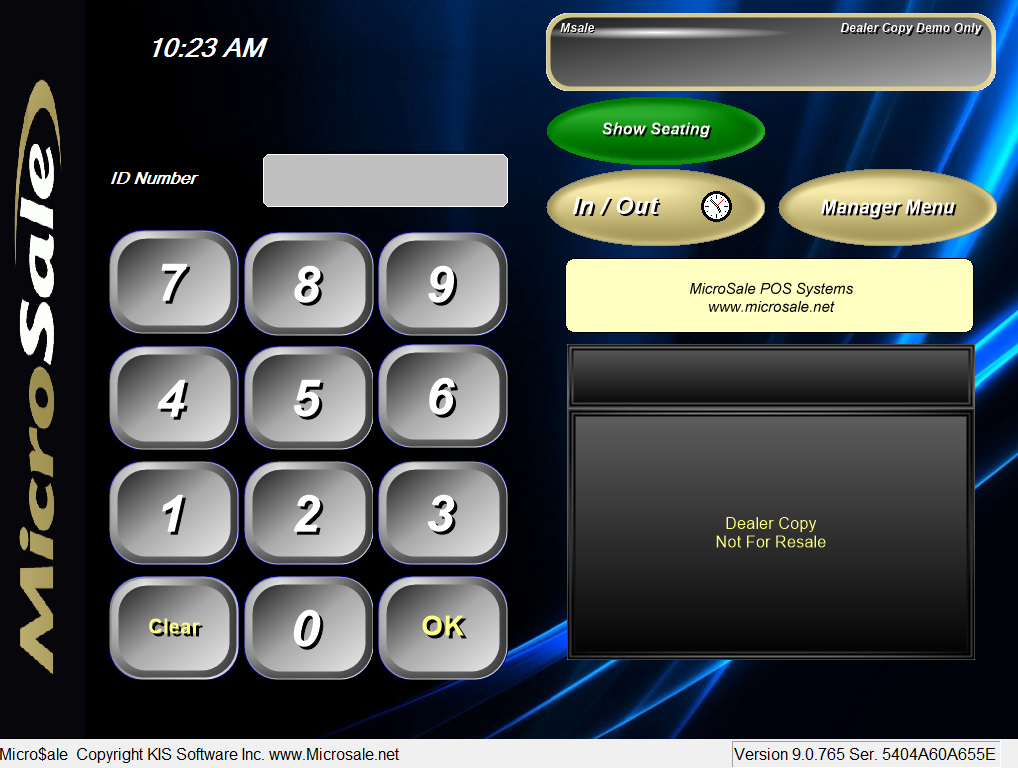
Use Paint, Photoshop or any photo editing software of your choice
- Create your company logo in a jpg or bmp format 768px high and 91px wide
- Save the image in the Picture Files folder located in C://Program Files/Micro$ale
- Create a dat file to point the side image to your custom image
- Go into the dat files folder in the Micro$ale folder
- Right click, create a new text document
- For the text document name, type in dealerlogo.dat (yes to save the txt document with a new extension)
- double click the dealerlogo.dat file and type in the name of your picture with extension such as newpic.bmp ---(you do not need to type in anything else!)
- Save
- Launch MicroSale to ensure the side logo looks correct