- Go to the MicroSale directory and click on databaseutility.exe.
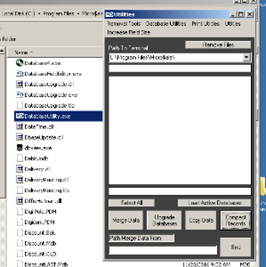
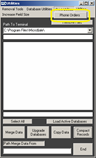
- At top of window click on the option Print Utility and then Phone Order.
- Next, select which option to not have print. This would need to be done on each terminal.
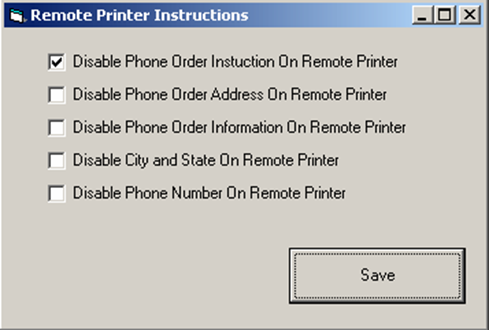
- Be sure to save before closing the window to the Printutility.exe.
How To Disable Phone Orders Remote Printing
