
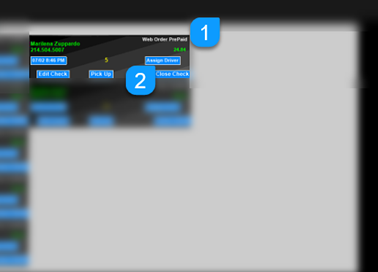
Online orders are paid immediately when the customer checks out online. Online orders pass into MicroSale as “Web Order PrePaid” (this heading is listed on the upper right corner of the order). Online Orders follow the same procedure as a typical phone order. This option is available using one of MicroSale's third-party online integrations. Click here to see available partners.
From the phone order management screen, online orders are automatically added.
- Online orders show as “Web Order PrePaid” (online orders must be paid online)
- When the order needs to be settled, select Close Check
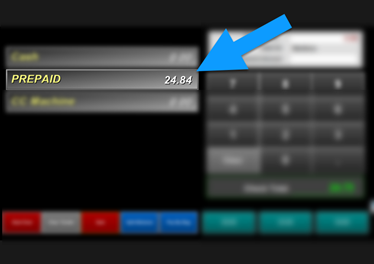
- Tender the check using the option PREPAID. The Prepaid amount is passed from the online ordering provider.
IMPORTANT
With integrated online ordering, you must set the system to auto release pending orders. Enable this setting on only one register in your restaurant. If this is set on multiple registers, it will cause duplicate orders to print!
Managers Menu > Register Setup > Terminal Configuration > Register Options > Phone Orders > Auto Release Pending Orders > Save