
Reprint Receipt
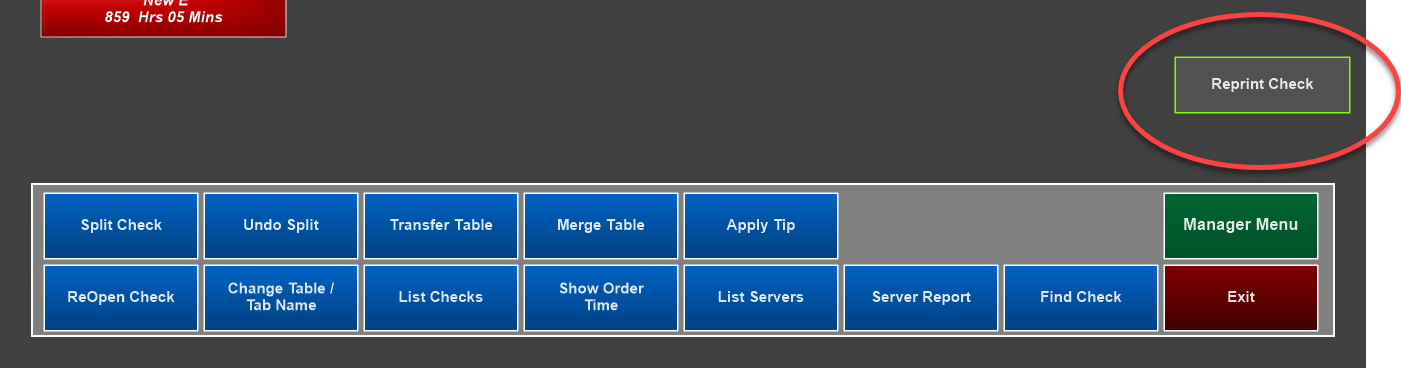
You can reprint a customer receipt or credit card slip by going to the Server Menu > Reprint Check or by adding a Reprint Receipt function on the order screen.
- From the Server Menu: Select Reprint Check and touch the appropriate check or reprint the last receipt by selecting Print Last Receipt
- From the order screen (using the function button): Go to the order screen and select Reprint Receipt
Reprint credit card slip
You can reprint a customer receipt or credit card slip by going to the Server Menu > Reprint Check > Print Credit Card Slip or by adding a Reprint CC Slip function on the order screen.
From the Server Menu
- Select Reprint Check
- Print Credit Card Slip and touch the appropriate check
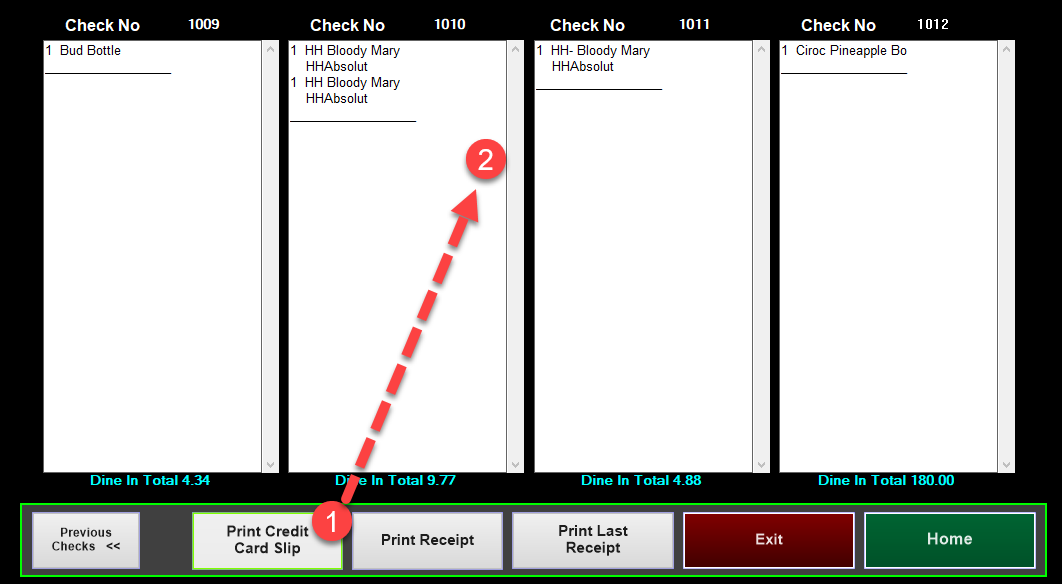
- From the order screen (using the function button): Go to the order screen and select Print CC Slip